



(72,- Kc)
Pozadavky: Android 2.2 a vyssi ROOT neni potreba !
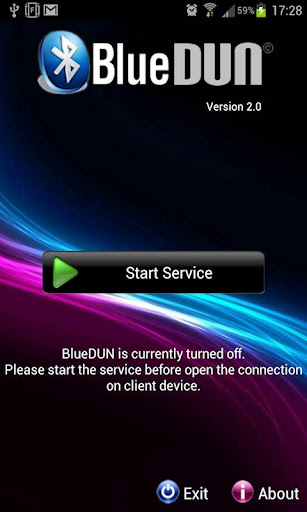
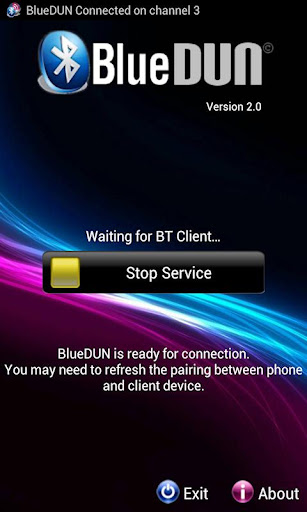
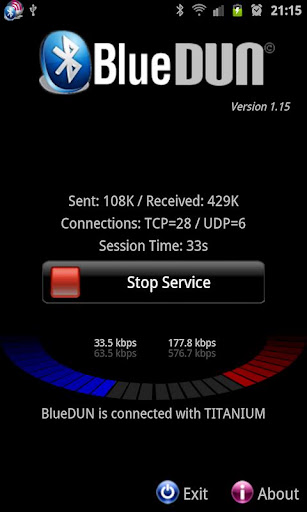
Popis: The best app for bluetooth tethering
Screen:
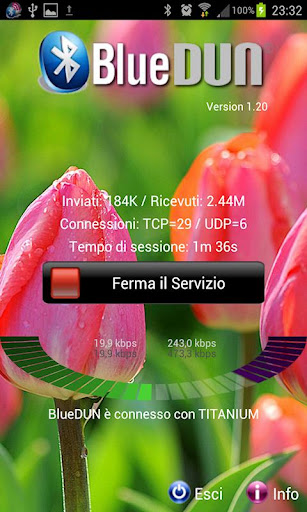
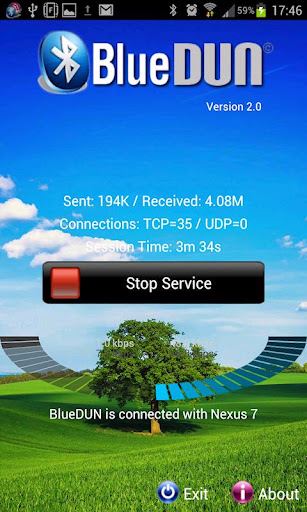
What's in this version:
2.3
- Solved issues related to the bluetooth socket: set the DUN channel number = 0 for Jelly Bean (auto-assigned)
2.1
- Extended compatibility to Android 4.2 / 4.2.1
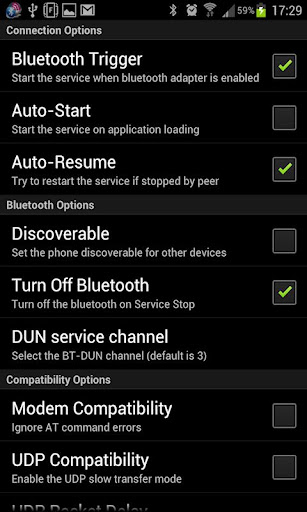
- Added bluetooth Insecure Socket option
- If you set the channel number = 99, it assigns a free channel automatically.
If you like this application please make a video and post it on youtube to show how it works to other users.
Vice info:
Kód: Vybrat vše
https://play.google.com/store/apps/details?id=com.blue_dunKód: Vybrat vše
http://uloz.to/xUk2hsv/bluedun-v2-3-apk
http://www48.zippyshare.com/v/61126150/file.html
http://www.directmirror.com/files/AN8JSXJY
http://www.embedupload.com/?d=8ZUEGDYVOHThis program emulates the hardware modem on your Android phone. It allows your phone to share wifi or mobile connection over the bluetooth channel with other devices like PCs,tablets or navigation systems. The bluetooth DUN (dial-up network) service is turned on, in order to enable the external device to access the Internet.
It supports both TCP and UDP protocols; NO zakořenění TŘEBA!
Tested with Windows Xp/7 PCs, Mercedes Comand OnLine, Toyota Touch&Go / Entune, Tom Tom Go/Rider, Clever GPS, BB Playbook
It doesn't work with Motorola DROID RAZR and some HTC devices due to manufacturer's limitations on current ICS firmware.
Please test the trial version (it includes the same connection algorithms) before purchasing and contact me for any issue before writing negative comments; I can also refund you also after the 15mins of testing period.
How to setup (only the first time):
- Remove the previous pairing between your devices
- Start the BlueDUN service, make the phone discoverable
- Create the new pairing
- Setup the DUN connection on the client device: don't care about phone number, account or dns because the app emulates only the modem behaviour but it sends/retrieves data to/from phone wifi/mobile connection!


