



(80,- Kc)
Pozadavky: Android 2.2 a vyssi
Popis: bVNC is a secure, open source VNC client. Its features include.
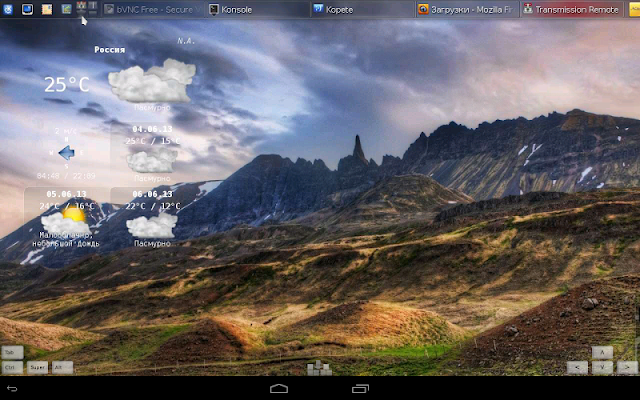
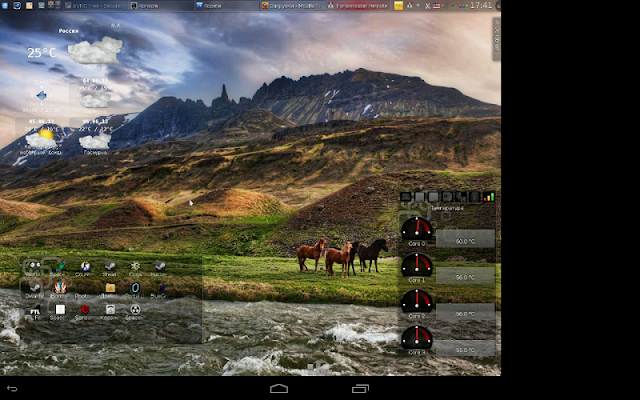
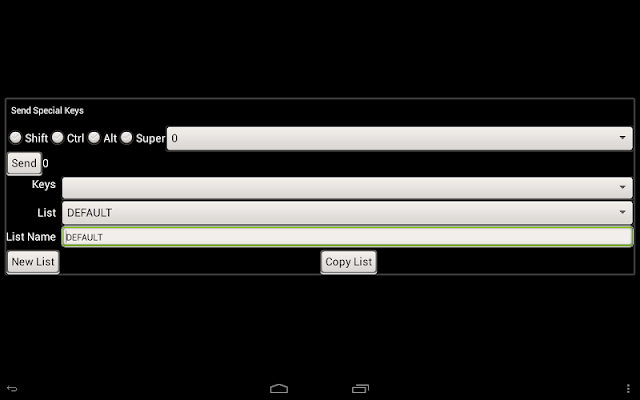
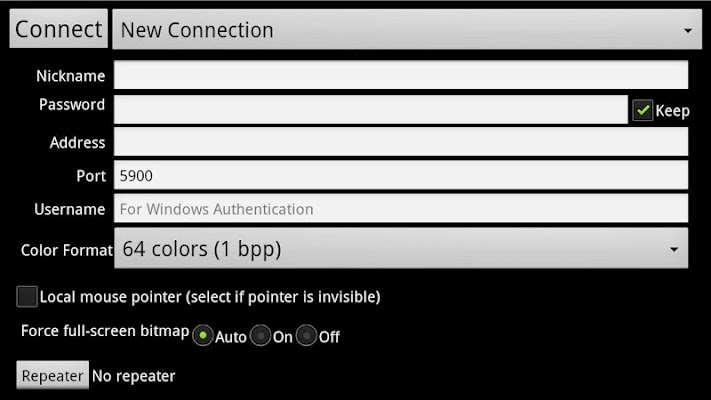
Screen:
What's in this version:
v3.6.2
- Android 2.2 fix
v3.5.8
- Holo theme
v3.5.1
- Sends Esc for Back button on external keyboards
- Bugfixes
v3.4.9
- Mac OS X user-based screen sharing
v3.4.6
- VeNCrypt/UltraVNC fixes
v3.4.5
- Pointer/Panning stability improvements
v3.4.4
- Workaround for LatinIME bug in Android 4.2+
v3.4.0, 3.4.1
- Bug fixes
v3.3.9
- Bug fixes, Russian localization thanks to Кирилл Шамилин
v3.3.8
- Stability improvements
v3.3.7
- UltraVNC repeater fixes
v3.3.6
- View-only mode
v3.3.5
- AutoX bugfix
Vice info:
Kód: Vybrat vše
https://play.google.com/store/apps/details?id=com.iiordanov.bVNCKód: Vybrat vše
http://www4.zippyshare.com/v/2167756/file.html
https://www.tusfiles.net/srx2m3y95o6z
http://hugefiles.net/h6mfa0279cgg
http://bit.ly/RuJAjf
http://rapidgator.net/file/40908173c61adeb786c8e7b36be7b211
- Windows, Mac, Linux, BSD, or any other OS with a VNC server installed
- Multi-touch control over the remote mouse. One finger tap left-clicks, two-finger tap right-clicks, and three-finger tap middle-clicks
- Right and middle-dragging if you don't lift the first finger that tapped
- Scrolling with a two-finger drag
- Pinch-zooming
- Dynamic resolution changes, allowing you to reconfigure your desktop while connected, and control over virtual machines from BIOS to OS
- Full rotation support. Use the central lock rotation on your device to disable rotation
- Multi-language support
- Full mouse support on Android 4.0+
- Full desktop visibility even with soft keyboard extended
- SSH tunneling, AnonTLS and VeNCrypt for secure connections (does not support RealVNC encryption).
- High-grade encryption superior to RDP using SSH and VeNCrypt (x509 certificates and SSL), preventing man-in-the-middle attacks
- AutoX session discovery/creation similar to NX client
- Tight and CopyRect encodings for quick updates
- Ability to reduce the color depth over slow links
- Copy/paste (clipboard) integration
- UI Optimized for for tablets and smart phones
- Samsung multi-window support
- SSH public/private (pubkey) support
- Importing encrypted/unencrypted RSA keys in PEM format
- Automatic connection session saving
- Zoomable, Fit to Screen, and One to One scaling modes
- Two Direct, one Simulated Touchpad, and one Single-handed input modes
- Long-tap to get a choice of clicks, drag modes, scroll, and zoom in single-handed input mode
- Supports most VNC servers including TightVNC, UltraVNC, TigerVNC, and RealVNC
- Supports Mac OS X built-in remote desktop server (ARD) and Mac OS X authentication with user name
- Does NOT support RealVNC encryption (use VNC over SSH or VeNCrypt instead)
- Stowable on-screen Ctrl/Alt/Tab and arrow keys
- Right-click with Back button
- Use D-pad for arrows, rotate D-pad
- Minimum zoom fits screen, and snaps to 1:1 while zooming
- FlexT9 and hardware keyboard support
- View-only mode
- On-device help on creating a new connection in the Menu when setting up connections
- On-device help on available input modes in the Menu when connected
- Tested with Hackers keyboard available from Google Play (recommended).


