



Požadavky: Android 2.0+
Popis:
COMPATIBLE WITH NOVA LAUNCHER
Introduction
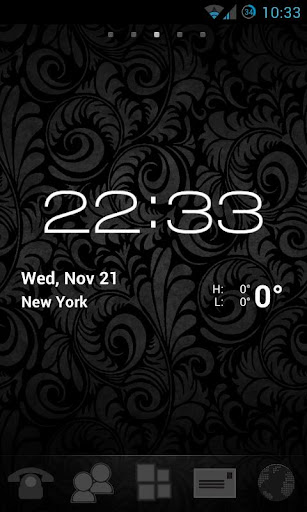
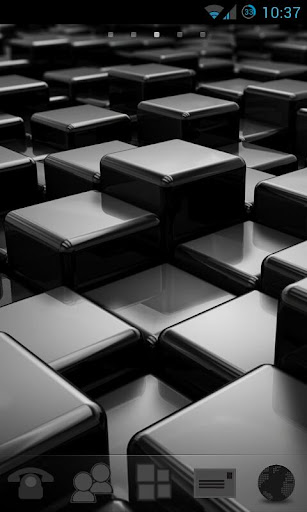
Elegant Black GO Launcher EX Theme, designed for GO Launcher EX, provides a sleek, sumptuous feel for your Android Device. Stylish icons and a selection of artistic wallpapers combine to form a unique user experience. Get it now to transform your Android smartphone.
Applying Theme (Go Launcher EX)
1. First make sure you have Go Launcher EX installed. If you do not have it already you can download it from Google Play for free.
2. Simply open the theme after installation.
3. Or from your home screen MENU->Themes->Installed->Choose “Elegant Black Go Launcher EX” theme.
Change size of icons (To Larger Icons)
1. From your home screen MENU->Preferences->Visual Settings->Icons ->Icon size->Custom size->If you want larger icons set this value to around 110
Nova Launcher Users
1. Apply icons: MENU->Nova Settings->Look and feel->Icon Theme->Choose 'Elegant Black Theme'
Další info:
Kód: Vybrat vše
https://play.google.com/store/apps/details?id=com.gau.go.launcherex.theme.Elegance.BlackKód: Vybrat vše
http://www5.zippyshare.com/v/62122570/file.htmlKód: Vybrat vše
http://www.embedupload.com/?d=50REUOF0UD
http://uploadmirrors.com/download/LQWYULVD/Elegant_Go_Launcher_EX_Theme_v1.0.apk


