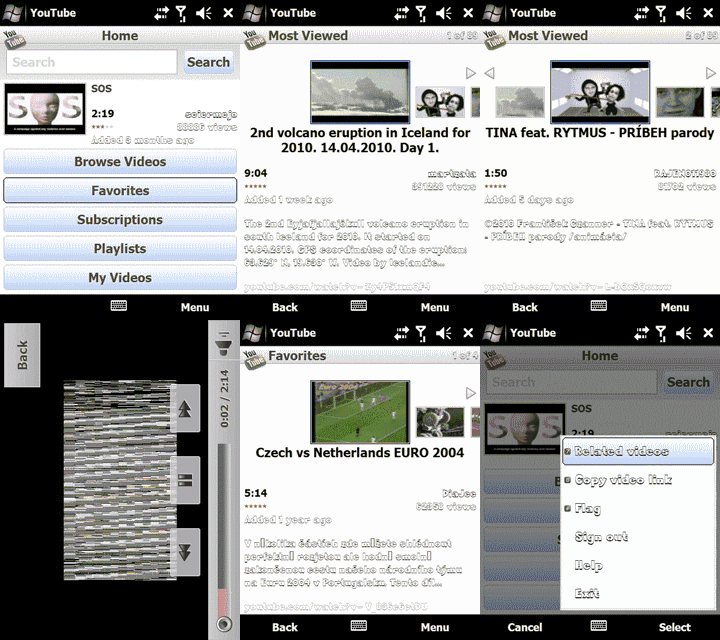
Follow these directions and all should go well.
1. Install tcpmp (.71 attached, later versions available on this forum and online)
2. Copy flvffmpeg.plg & flvsplitter.plg to the tcpmp folder
3. Copy YouTubeDownload.exe to your device
Now open youtube on your device and select the video you want to watch and the url on top will be something like this:

copy the video id which is "d1r21TX_PEB" (without quotes of course) and open the YouTubeDownload.exe app and paste that there. Select the destination you want to save the youtube vid, then open it with tcpmp!!
a little complex but it works
Kód: Vybrat vše
http://www.edisk.sk/stahnout-soubor/70782/Youtube.rar_1.68MB.html