Customisable hardware buttons overlay, root required.
Full ICS + Jelly Bean Compatibility
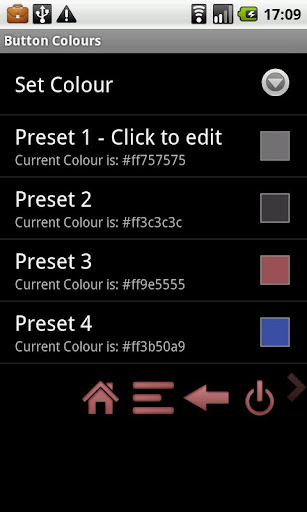
Now with unlimited colours
ROOT required for full functionality Menu, Back and Search are rooted-only buttons - all others work on non-rooted devices.
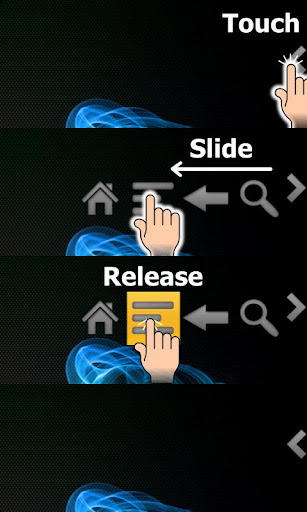
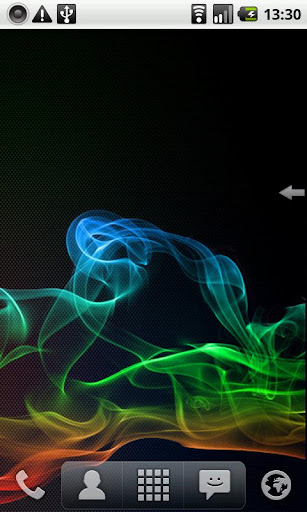
Emulates hardware keys (Home, Menu, Back etc) and overlays them on the screen, on top of all applications. Single-swipe action (see video):
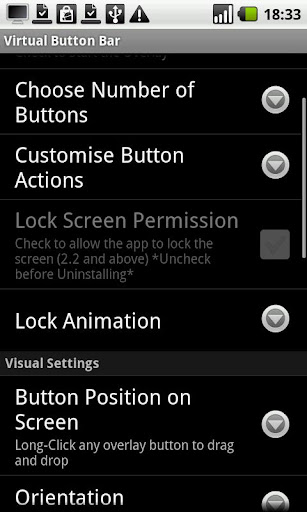
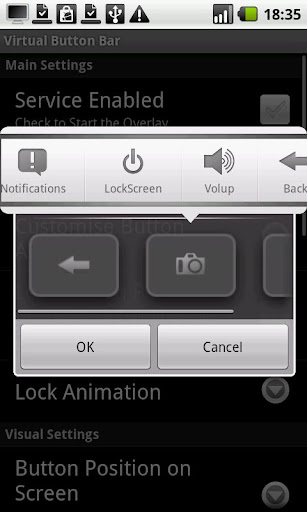
Choose the number of buttons you want, position them
Lock Screen animations including Gingerbread-style TV off (requires 2.2)
Change button function (vol up/down, lock device, expand Notification Bar, Camera, Search)
Alt-Tab functionality
Change Button sizes and colour
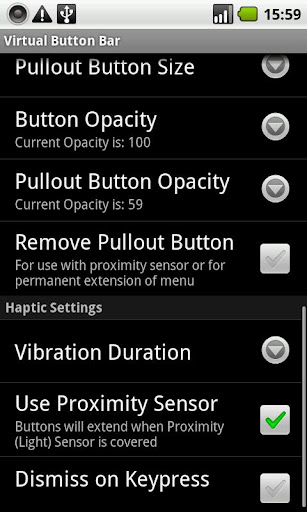
Adjustable Transparency
Separate, independent configurations for portrait and landscape
A fully-featured but time-limited trial is available.
Perfect for Tablets including Nook Color or devices which lack hardware buttons.
Note:
This application uses Google's Licensing Library (LVL) which means your device must have Android Market installed and periodically connect to the internet.
To uninstall:
If you've enabled Device Administration for the lockscreen, you need to disable it before uninstalling. Uncheck the permission in-app or go to Settings -> Location and Security -> Select device administrators and uncheck Virtual Button Bar.
What's in this version:
V2.9.2:
• Added Accessibility support on Jelly Bean to avoid the delay on Back/Notifications
• Fixed invert expand direction bug when restarting app
• Fixed a crash that occured when hiding the menu