



(41,- Kc)
Pozadavky: Android 5.0
Popis: CM12 Theme
Screen:
What's in this version:
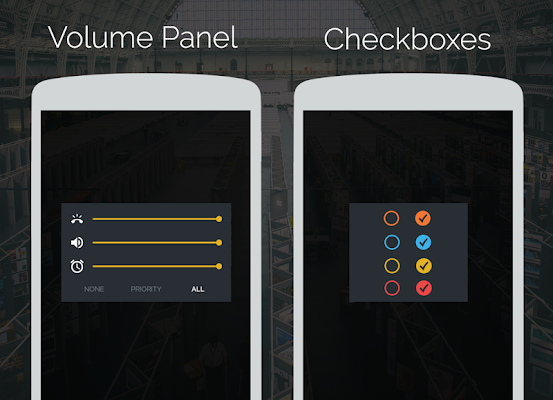
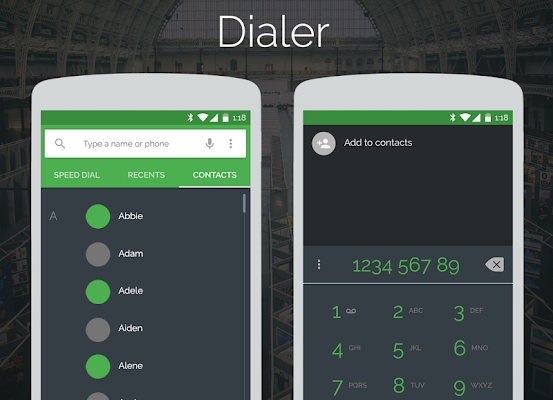
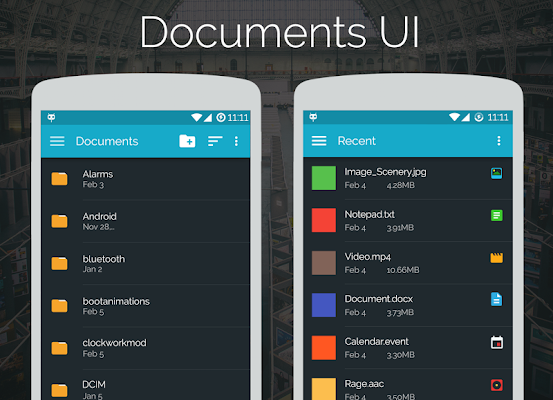
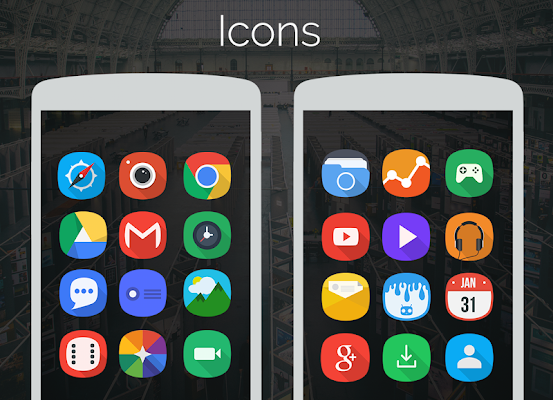
Check Screenshots
•Documents App Themed (Dark)
•More Icons added
•Blisspop ROM Specific Changes
•Some useless images removed (Package Size reduced)
Vice info:
Kód: Vybrat vše
https://play.google.com/store/apps/details?id=com.avn.fortoKód: Vybrat vše
http://uloz.to/xCchB2JM/forto-cm12-theme-v1-3-www-4allmobile-eu-apk
http://ulozto.sk/xWtNnL87/forto-cm12-theme-v1-3-www-4allmobile-eu-apk
https://webshare.cz/file/3Ui68r7082/forto-cm12-theme-v1-3-www-4allmobile-eu-apk
Note: It only works in ROMs with CM12 theme engine.
AVNArts presents to you Forto, a strong and colorful look for your smartphone.
Includes:
•Font
•Wallpapers
•Bootanimation
•Softkeys
•Icons
•Sounds (Ringtone, Alarm, Notification)
Themed: ( Check Screenshots)
•UI Colors
•Colorful System Icons
•Power Menu
•Checkboxes
•Recents Menu
•Notifcation Drawer + Quick Setting Tiles
•Settings
•AOSP Keyboard
•Google Keyboard
•Dialer
•Contacts
•Playstore app
•Eleven Music
•Documents App
•Audio FX
•Clock (Minimal)
Theme Installation:
•Apply it through the theme manager in CM12.
•Reboot and you're golden.
•Also, apply 'Material Dark' theme in (Settings>Language & input>Android Keyboard(AOSP) or Google Keyboard>Appearance & Layouts>Theme) to enjoy Forto's dark keyboard theme.


